The Importance of ADA Website Accessibility
Making sure your website is accessible to all users, regardless of their physical or cognitive abilities, isn't just good practice—it's a legal requirement.
In today's increasingly digital world, businesses, organizations, and government agencies must prioritize website accessibility; under the Americans with Disabilities Act (ADA), websites must be accessible, ensuring that people with disabilities have equal access to information and services online.
Discover what ADA website accessibility means, why it's essential, and how to ensure your site is compliant.
What is ADA Website Accessibility?
The Americans with Disabilities Act (ADA), originally signed into law in 1990, prohibits discrimination against individuals with disabilities in all areas of public life, including employment, transportation, public accommodations, communications, and access to state and local government services.
While the law initially focused on physical spaces, it has also expanded to include digital spaces.
As websites and online services have become critical parts of everyday life, it is increasingly important to ensure that people with disabilities can access them.
ADA website accessibility means making your site usable for people with a variety of disabilities, including those with:
- Visual impairments (such as blindness, color blindness, or low vision)
- Hearing impairments (such as deafness, conductive, sensorineural, or mixed hearing loss)
- Motor impairments (such as difficulty using a mouse or keyboard)
- Cognitive impairments (such as learning disabilities or difficulties in processing complex information)
Why ADA Website Accessibility is Important
Legal Compliance
While not its original intent, the ADA has been interpreted to apply to websites, particularly for businesses and organizations that serve the public.
Failing to make your website accessible can lead to legal action. Over the past several years, businesses across various industries have faced lawsuits for having websites that were inaccessible to individuals with disabilities.
For this reason, companies like Target and Domino's Pizza have faced legal battles, setting a precedent demonstrating the importance of ADA website compliance.
Expanding Your Audience
According to the World Health Organization, over
1 billion people, or
approximately 15% of the world's population, live with some form of disability.
By ensuring your website is accessible, you comply with the law and expand your potential audience.
A fully accessible site opens your business or service to individuals who might otherwise struggle to use your website; this fosters inclusivity and increases your customer base, engagement, and revenue.
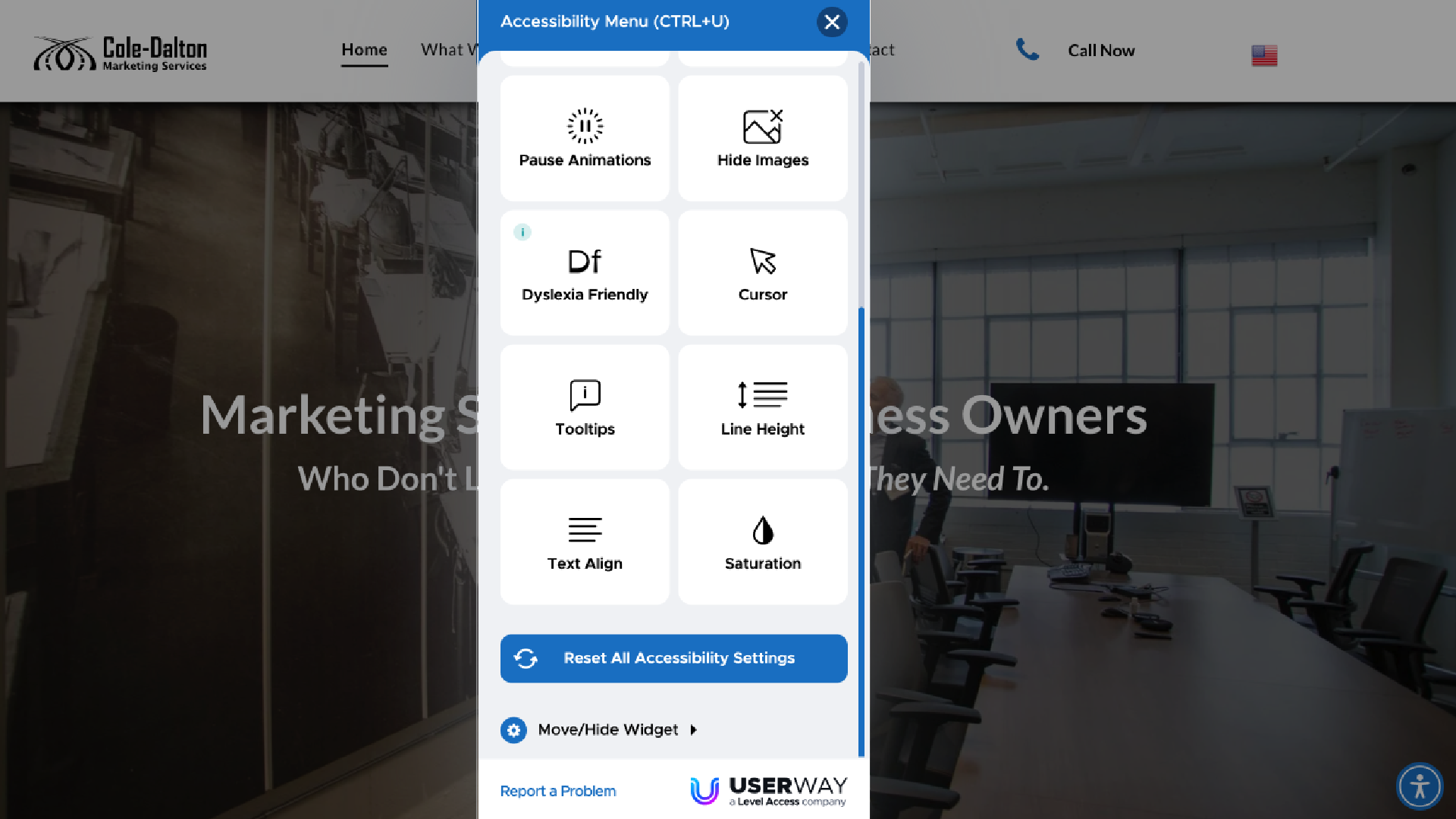
Improving User Experience
Making your website ADA-compliant often results in a better overall user experience for everyone, not just those with disabilities.
A more intuitive layout, straightforward navigation, and accessible forms make engaging with your site easier for all users. For instance, adding
alt text to images benefits screen reader users but also helps your site rank better in search engine optimization (SEO).
Improved accessibility often goes hand in hand with better design practices.
Corporate Social Responsibility
Prioritizing ADA accessibility on your website strongly conveys that your business values inclusivity and equality. It's not just about meeting legal requirements but showing that you care about providing equal access to everyone.
In an era where consumers are increasingly looking to align with socially responsible businesses, having an accessible website can enhance your brand's reputation.
How to Ensure Your Website is ADA-Compliant
Making your website ADA-compliant involves addressing various aspects of its design and functionality.
Fortunately, there are guidelines that can help you create a site that is accessible to all users.
The
Web Content Accessibility Guidelines (WCAG), developed by the World Wide Web Consortium (W3C), offer comprehensive standards that align with ADA requirements.
The WCAG breaks down accessibility into four fundamental principles:
Perceivable
Information and user interface components must be presented in a way that users can perceive, whether through sight, sound, or touch. For example:
- Use alt text for images so that screen readers can describe visual content to users with visual impairments.
- Provide captions or transcripts for video and audio content to assist users with hearing impairments.
- Ensure text contrasts sufficiently with the background to make it readable for users with low vision or color blindness.
Operable
Users must be able to navigate and operate your website, even if they can't use a traditional mouse. Key aspects include:
- Ensuring your website is fully navigable via keyboard. Many users with motor disabilities or visual impairments rely on the keyboard rather than a mouse to move around a site.
- Avoiding content that causes seizures, such as flashing animations, which can trigger epilepsy or other medical conditions.
Understandable
Information and the operation of your website should be easy to understand. Some examples include:
- Using clear, simple language, avoiding overly complex terminology or phrasing.
- Making forms easy to understand by providing clear labels and instructions. If an error occurs, provide simple guidance on how to correct it.
Robust
Your website should be compatible with a wide variety of devices, platforms, and assistive technologies:
- Ensure your site works well with screen readers and other assistive devices.
- Use clean and semantic HTML code to ensure your site is functional across different browsers and devices.

Best Practices for Achieving ADA Compliance
Here are some actionable steps to help ensure your website is accessible and ADA-compliant:
- Conduct an Accessibility Audit: Regularly audit your website using tools such as WAVE (Web Accessibility Evaluation Tool) or Google's Lighthouse. These tools can help identify accessibility issues and provide suggestions for improvements.
- Include Alt Text for Images: Every image on your site should have alternative text that describes its content; this allows screen readers to interpret the image for visually impaired users.
- Create Keyboard-Navigable Menus: Ensure that your website's navigation is functional without the need for a mouse. Users should be able to move through menus and interact with content using only their keyboard.
- Provide Transcripts and Captions: If your site contains video or audio content, provide transcripts for text-based alternatives and captions for users with hearing impairments.
- Improve Color Contrast: Text should always stand out clearly from the background. Use a contrast ratio of at least 4.5:1 for regular text and 3:1 for larger text.
- Offer a "Skip to Content" Option: Allowing screen reader users to skip navigation menus and go straight to the content can be a huge time saver.
Work With Cole-Dalton Marketing Services
Our Cole-Dalton Marketing Services team aims to help small businesses succeed. We focus on marketing management services so you can focus on your business's core.
Need help making your website meet ADA compliance? Need a high-functioning website in general?
Check out our capabilities and marketing systems here, and let's get in touch to take your business to the next level!