What Business Owners Need to Know About Google Business Profile Video Verification
If it has been a while since you last set up or updated your Google Business Profile, you may be in for a surprise.
What used to be a relatively simple process has become stricter. In many cases, Google now requires video verification before a business listing can go live or regain full functionality. For business owners unfamiliar with the process, this change can feel frustrating or even overwhelming.
The good news is that video verification is manageable once you understand what Google is actually looking for, and we have gone through the learning process time and time again to make sure you are verified and ready for business.
Why Google Made Verification More Strict
Google Business Profiles are a critical trust signal for customers. They influence who shows up in local search results, which businesses appear on Google Maps, and which companies feel legitimate to potential customers.
To reduce fraud, fake listings, and impersonation, Google has shifted away from postcard and phone verification and toward video verification as the primary option for many businesses. This allows Google to visually confirm that a business exists at the location listed and that the person managing the profile is authorized to do so.
This change affects storefront businesses, service‑area businesses, and hybrid businesses alike. In fact, for many service‑area businesses, video verification is now the only option available.
Don't worry: this video is not public-facing. It is only visible to Google's support team and will be deleted once they complete the verification process.
How Video Verification Works
Google’s video verification process requires you to record and submit a single, unedited video through your Google Business Profile using a mobile device. The video cannot be uploaded later; it must be recorded live on the platform.
The video must be at least 30 seconds long (but no longer than two minutes) and clearly demonstrate two things:
- That your business exists at the location listed
- That you are authorized to manage the business
Depending on your business type, Google may expect slightly different details, but the core requirements remain the same.
We recommend creating a checklist that has all the criteria Google is looking for, and conducting a couple of walkthroughs before hitting record, so you know exactly what you need to record, the order in which you want to show things, and the pacing of the video so you fit it in the allotted time slot.
Additionally, you'll want to adjust your phone's camera settings to create the smallest file possible. You also want to ensure that no faces are shown in the video.
What Google Wants to See in Your Video
For most businesses, Google is looking for visual proof in three key areas.
First, location verification. This may include street signs, building numbers, nearby landmarks, or exterior signage that matches your business name and address on your profile. Start the video outside and record as much information as you can (we recommend narrating what you are showing as well).
Note: it is absolutely crucial that the name of your business on GBP matches exactly the sign on your building. While Google was more lenient about this in the past, they will certainly deny your verification immediately if you do not meet this criterion (trust us, we've learned the hard way).
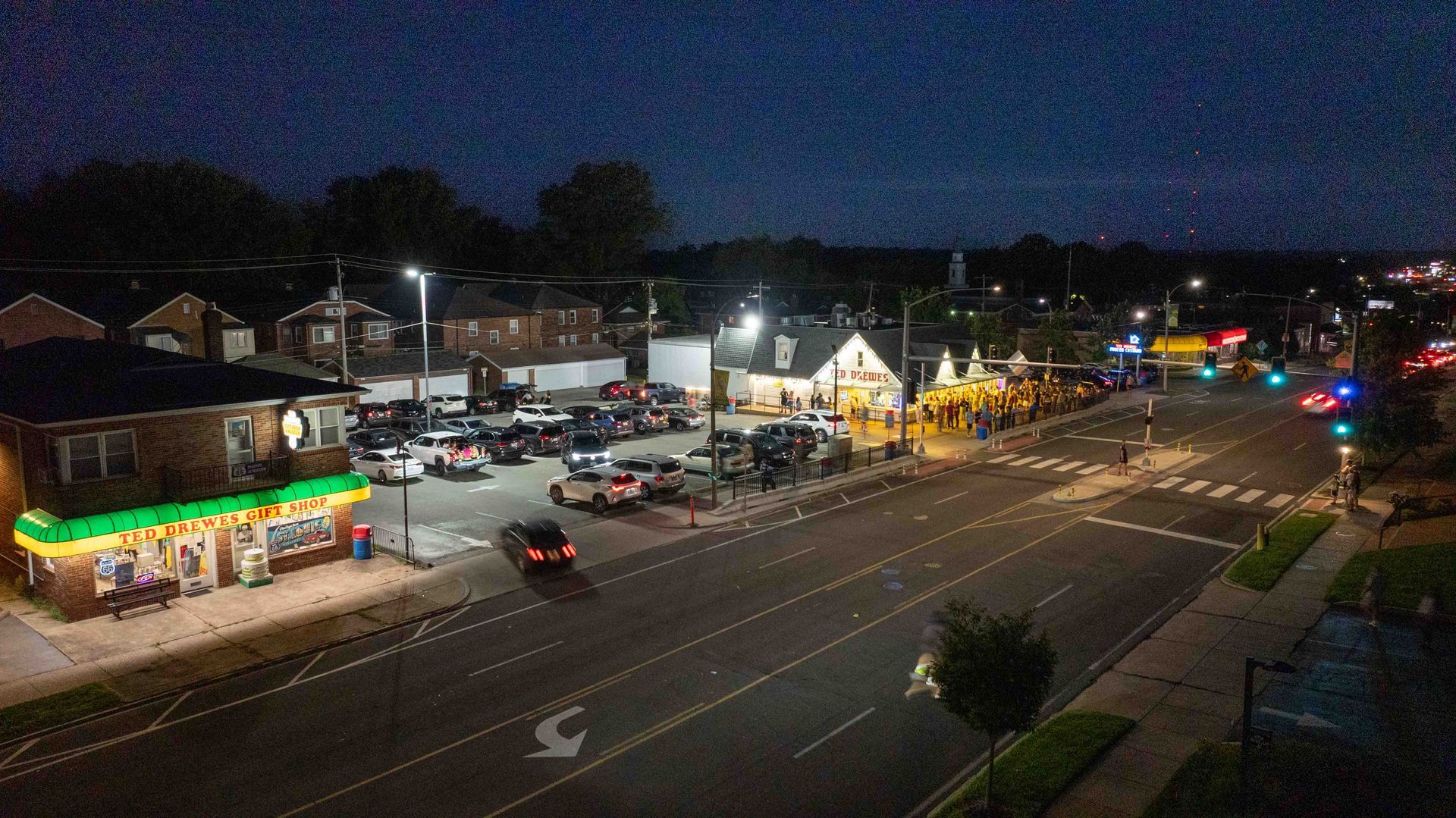
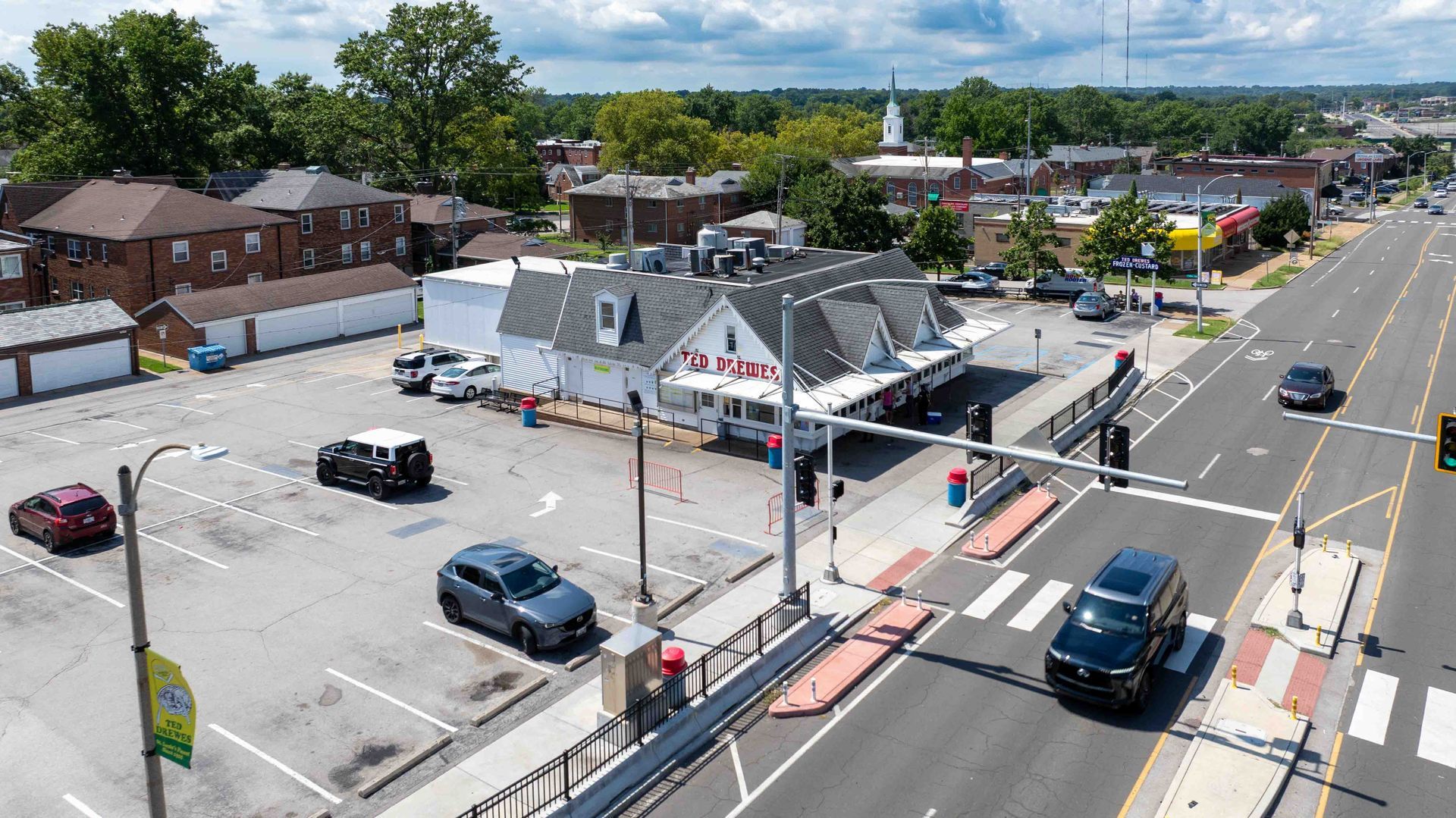
Second, proof that the business exists. This could be a storefront, permanent signage, interior workspace, branded equipment, or tools used to provide your services. Again, the business name shown in the video must match the name on your Google Business Profile.
Third, proof of management or affiliation. Google expects to see something that only an owner or employee could access, such as opening a cash register, entering a staff‑only area, using a point‑of‑sale system, or accessing branded materials.
For service-area businesses, another option for proving management is to show a document that matches your Business Profile, such as a business license (recommended), a utility bill, or an invoice.
Why This Feels Harder Than It Used to Be
In the past, many businesses could verify their listing by mailing a postcard to their address. While that process took longer, it required very little technical knowledge.
Video verification is faster but also more specific. If the video does not clearly show the required elements, or if the business profile information is incomplete or inconsistent, the verification can be rejected without much explanation.
This is where many business owners run into trouble. Without knowing exactly what Google wants to see, it is easy to miss a key detail and end up stuck in verification limbo.
Why Verification Matters More Than Ever
An unverified Google Business Profile is extremely limited. Without verification, your business may not appear correctly in search results, you may be unable to respond to reviews, publish updates, or make important changes to your listing.
Verification is no longer just a setup step. It is required to maintain visibility, credibility, and control over how your business appears on Google Search and Maps.
How Cole‑Dalton Helps Businesses Navigate This Process
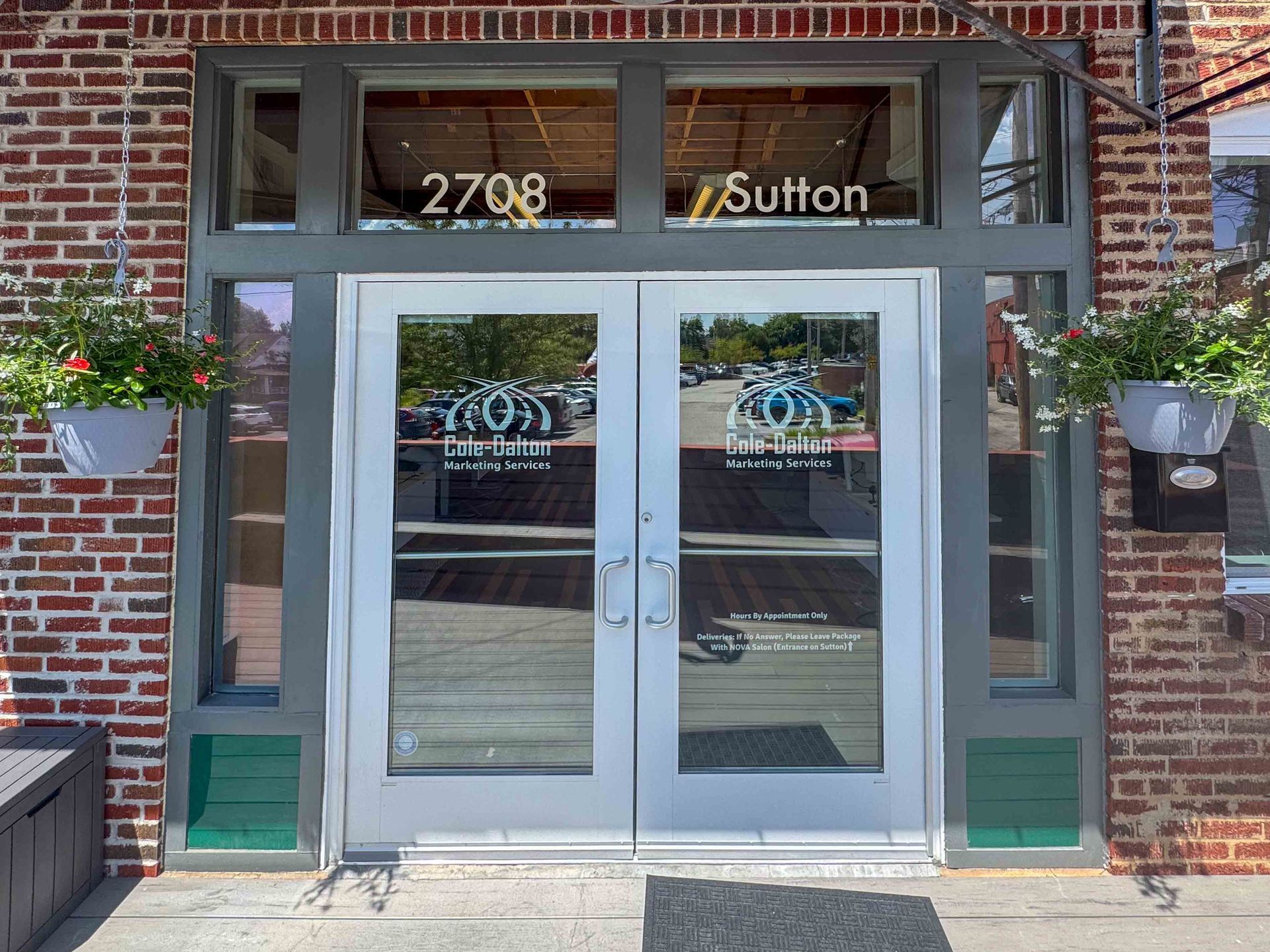
At Cole‑Dalton Marketing, Google Business Profile management is part of maintaining a strong Total Online Presence.
We help businesses understand what Google is asking for, prepare their profiles correctly, and avoid common mistakes that lead to rejected verifications or delayed approvals. When you know how the process works, video verification becomes far less intimidating.
If your business needs to create, reclaim, or re‑verify a Google Business Profile, having guidance can save time, reduce frustration, and prevent lost visibility; contact our team today to see how we can help.